🔐 Password Manager vs Manual Passwords: Why 2026 Settles the Debate
On this page
The password manager debate is older than the iPhone, but 2026 has fundamentally changed the calculation. With AI-powered credential stuffing attacks processing billions of combinations per hour, and the average person now maintaining 150+ online accounts, manual password management has shifted from inconvenient to genuinely dangerous. This comparison examines both approaches honestly across security, convenience, breach protection, and cost so you can make an informed choice.
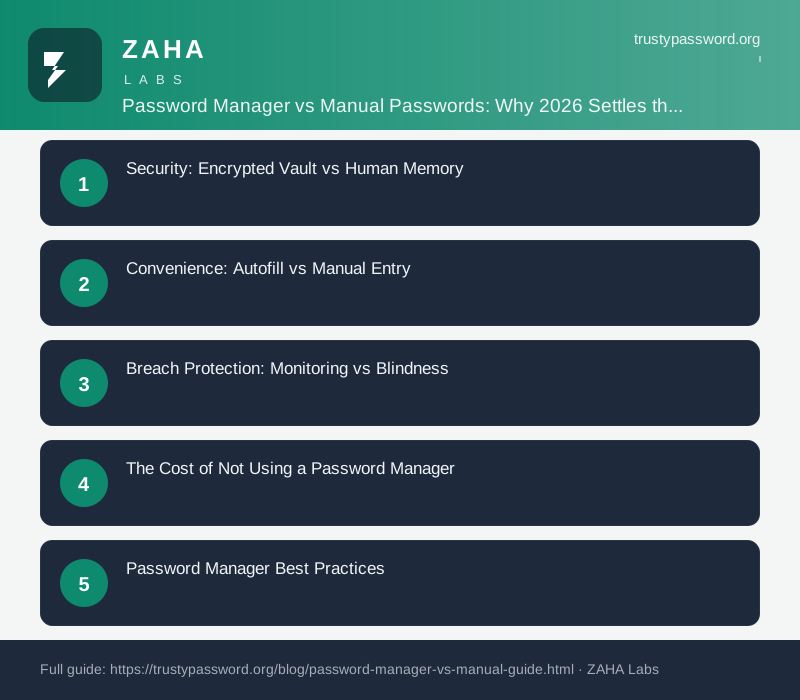
Security: Encrypted Vault vs Human Memory
A password manager stores all your credentials in an encrypted vault protected by a single master passphrase. The vault is encrypted with AES-256 on your device before being synced to the cloud, meaning even the service provider cannot read your passwords. This zero-knowledge architecture is mathematically proven and regularly audited by third-party security firms. When you use a manager, every account gets a unique, random password of maximum length and complexity — something that is impossible to achieve through human memory alone.
Manual password management relies entirely on human memory, and human memory has known, exploitable limits. In practice, this means password reuse across accounts, weak passwords that are easy to remember, and sticky notes or spreadsheets for backup. Studies consistently show that the average person has better security with a password manager and a weak master password than with no password manager and varied passwords across accounts. The reason is simple: a single password manager master key is easier to secure than 150 individual passwords that a human must remember.
The security advantage of password managers only grows with time. Modern managers support passkeys and WebAuthn, the FIDO Alliance standards that are rapidly replacing traditional passwords. They can detect phishing websites by refusing to autofill on lookalike domains. They can alert you when stored credentials appear in known data breaches. These capabilities are simply unavailable to someone managing passwords manually.
Convenience: Autofill vs Manual Entry
Password managers autofill credentials across websites and apps with a single click or biometric scan. Modern managers support biometric unlock via fingerprint or face recognition, cross-device sync that works seamlessly across Windows, macOS, iOS, and Android, and automatic credential capture when you create new accounts. The friction reduction is dramatic: logging into an account takes about two seconds instead of thirty. This convenience is not just a nice-to-have — it is the primary reason password manager users actually maintain unique strong passwords for every account.
Manual entry requires typing passwords each time, which means users either choose short weak passwords they can type quickly, or they spend significant time typing long strong passwords. The inconvenience of manual strong passwords is the single biggest reason people reuse passwords across accounts. Password managers eliminate this pain point entirely while simultaneously improving security. With autofill, every account can have a unique 20+ character random string that you never need to see, type, or remember.
Password managers also streamline account recovery. When you need to change a password after a breach, the manager can generate, save, and start using the new credential in seconds. A quality manager like NordPass makes this workflow seamless, with automatic detection of password changes and one-click credential updates.
Breach Protection: Monitoring vs Blindness
Premium password managers include breach monitoring that automatically checks your credentials against known data breaches and alerts you within hours. When a service you use is compromised, your manager can notify you immediately and help you rotate the affected credential. Some integrated security solutions like Kaspersky Premium combine password management with endpoint protection and credential monitoring in a single platform, providing defence-in-depth that covers both prevention and detection.
Manual password management offers zero breach monitoring by default. You must rely on external services like Have I Been Pwned and remember to check them regularly. Given that the average breach notification reaches affected users 47 days after the incident, the automated monitoring provided by password managers is a significant security advantage. During those 47 unmonitored days, attackers can exploit the compromised credential across all the accounts where it was reused.
The breach monitoring feature alone can justify the cost of a premium password manager. When you consider that a single account takeover can cost hundreds of dollars and hours of recovery time, the proactive monitoring that managers provide is not just convenient — it is essential.
The Cost of Not Using a Password Manager
The cost of not using a password manager is measured in account takeovers, not dollars. The NCSC reports that 82% of account compromises in 2025 involved credentials that appeared in previous breaches — exactly the scenario that password managers prevent by ensuring every account has a unique password. The average cost of a personal identity theft incident in 2025 was $1,200 in direct losses and over 20 hours of recovery time, according to the FTC.
A quality password manager costs $3–10 per month or is available for free with limited features from providers like Bitwarden. Against the potential cost of even one account takeover, this investment is trivial. For team and family plans, the per-person cost drops even further. Using Turbo VPN alongside your password manager ensures your vault access is always over an encrypted connection, adding an extra layer of protection when you access credentials from public or untrusted networks.
Password Manager Best Practices
Follow these best practices to get the most from your password manager. Use a 6-word diceware passphrase as your master password — this provides 77 bits of entropy while remaining genuinely memorable. Store a physical backup of this passphrase in a fireproof safe. Enable biometric unlock on your devices for convenience, but keep the master passphrase as your fallback authentication method.
Enable multifactor authentication on your password manager vault itself. This protects your vault even if someone obtains your master passphrase. Run the password health report monthly and fix any weak or reused passwords that the report flags. Keep your emergency recovery codes — typically a set of one-time use codes — in a secure offline location separate from your master passphrase backup.
Most importantly, use your password manager's built-in generator for every new account. The generator at TrustyPassword.org creates CSPRNG-backed passphrases and passwords that your manager can store automatically. Never type a password manually when your manager can generate and save one with a single click. This simple habit eliminates password reuse forever.
How to Choose the Right Password Manager
Not all password managers are created equal. When choosing one, look for zero-knowledge architecture (your data is encrypted before it leaves your device), regular independent security audits, cross-platform support across all your devices, biometric unlock support, and breach monitoring features. NordPass checks all these boxes with its zero-knowledge architecture, regular third-party audits, and integrated breach monitoring. Other reputable options include Bitwarden (excellent free tier with full encryption) and Apple iCloud Keychain (built into Apple ecosystems). Choose based on your platform needs, budget, and which features matter most to you.
FAQs
Are password managers safe from hackers?
Password managers encrypt your vault with AES-256 before syncing. Even if the service is breached, attackers cannot decrypt your credentials without your master passphrase. A 6-word diceware master password provides 77 bits of entropy.
What if I forget my master password?
Most password managers offer account recovery options: emergency access codes, recovery email, or trusted contacts. Some use biometric recovery on mobile devices. Always set up recovery options when creating your account.
Do password managers work on all devices?
Most modern password managers support Windows, macOS, iOS, Android, and browser extensions for Chrome, Firefox, Safari, and Edge. Cross-device sync is standard.
Are free password managers safe?
Free tiers from reputable providers (Bitwarden, Apple iCloud Keychain) use the same encryption as paid tiers. Limitations are typically on features like breach monitoring, credential sharing, and priority support.
Sources
- NCSC: Cyber Security Breaches Survey 2025
- NIST SP 800-63B Digital Identity Guidelines
- OWASP Password Storage Cheat Sheet
- FIDO Alliance: WebAuthn Standard
- Have I Been Pwned: Annual Breach Statistics
Affiliate Disclosure: This post may contain affiliate links. If you purchase through these links, we may earn a small commission at no extra cost to you. Our password generator is free to use. Full disclosure.